Qook.
meal cards matched to your energy level.
Generates meal cards matched to how much cooking you have in you today, with recipes, a meal plan, and a shopping list. Built around watercolor illustrations because the food should look like something you actually want to make.
iOS beta · Open on your iPhone with Apple’s TestFlight app.
from energy to dinner
Native iPhone simulator captures · synthetic demo meals.
Current development build; the TestFlight beta may differ.
Tap a screen to enlarge.
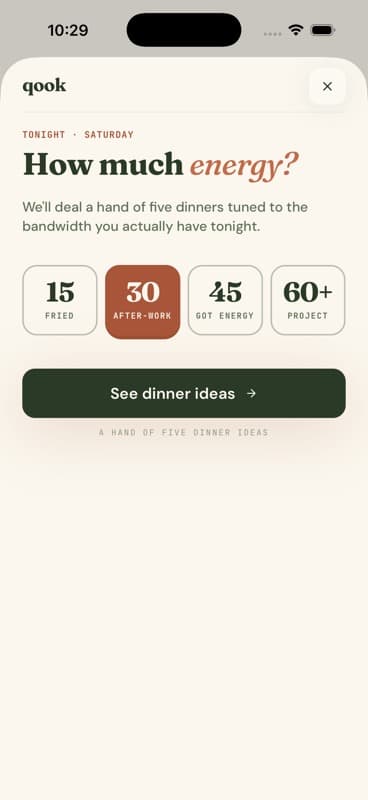
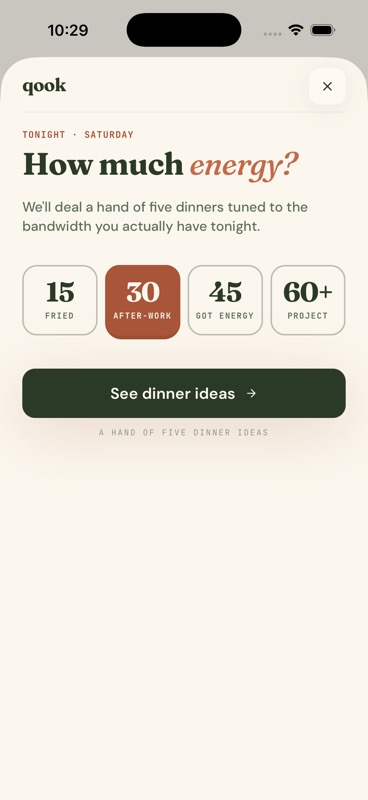
01Choose your energy
A quick dinner or a kitchen project? Start with what you have in you.
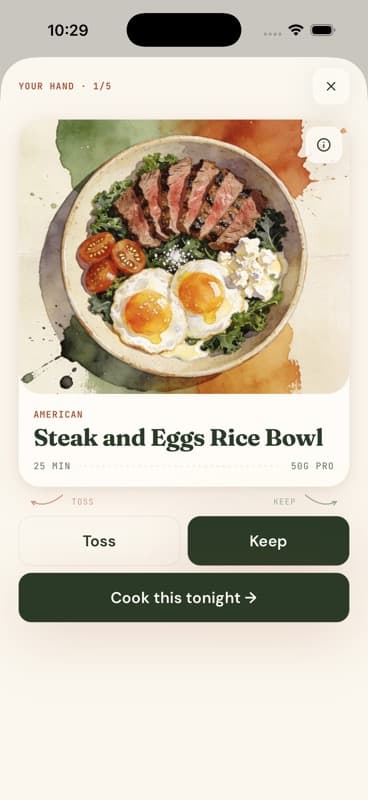
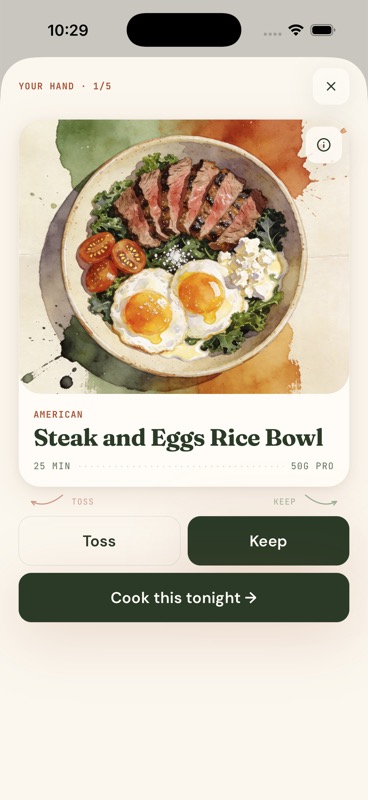
02A hand of five
Swipe through five ideas, one at a time. Keep what looks good; toss the rest.
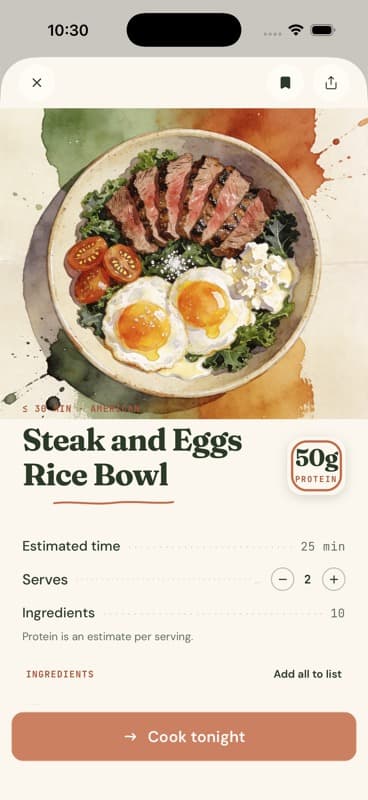
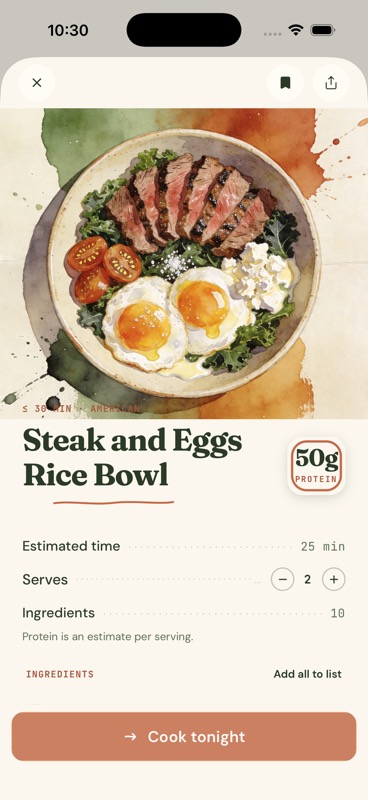
03Open the recipe
Check the ingredients and method, and adjust how many you’re cooking for.
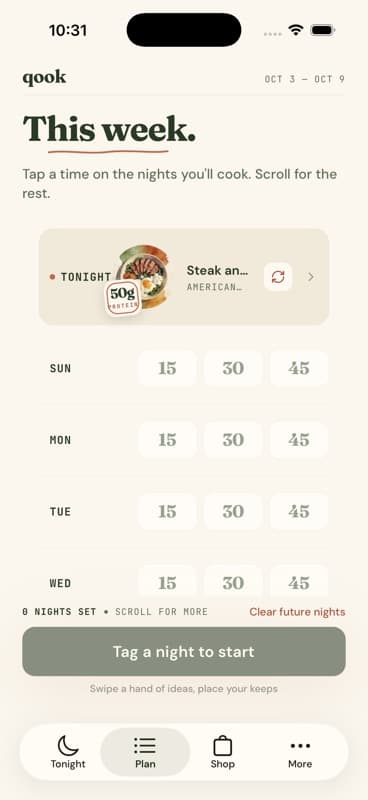
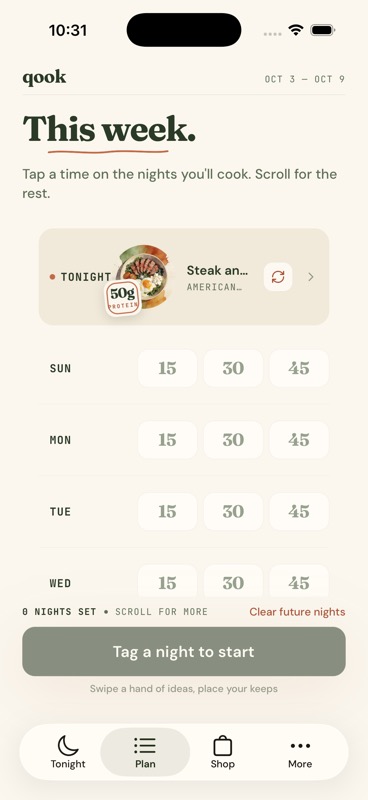
04Give it a night
Make it tonight’s dinner or place your keeps on the nights you’ll cook.
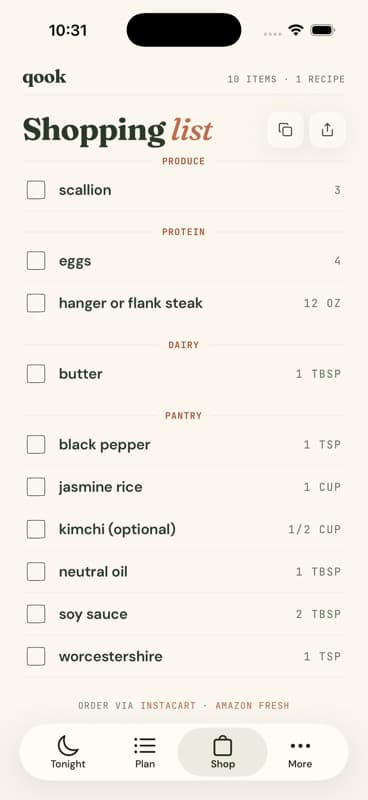
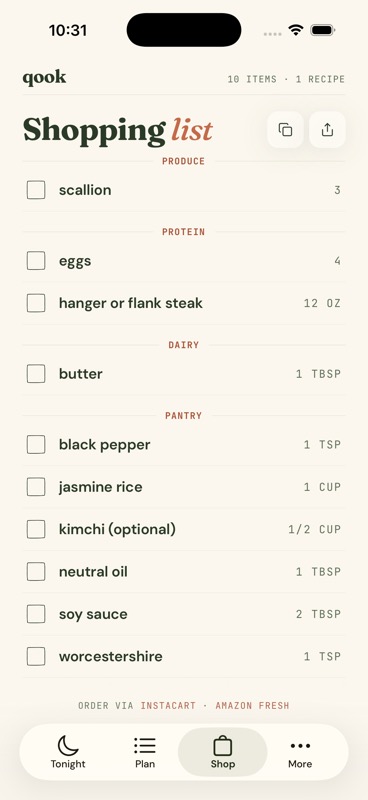
05Gather the ingredients
The plan becomes a shopping list you can check off, copy or share.
the thinking
Dinner starts with how much cooking I have in me, not a search box. Energy comes first; preferences and whatever’s in the fridge can narrow the ideas from there.
I chose a hand of five instead of an endless feed. There’s a stopping point: keep a few, give them a night, and move on. Watercolor makes the choosing part feel like looking at a menu.
In testing, I changed a recipe to three servings, but Tonight and the shopping list still used two. The fix keeps portions with the chosen day. I now check that the recipe, plan and groceries agree after details finish loading and after reopening the app.